
Got the same issue on my personal laptop. And issue on clean windows 11 is that device is "in-use by other application/software"
Dunno how those can be solved.
 I
I
Ilona Pshenichnaya - EE
@ilonapshe
Posts
-
SUPER J2534 cannot runing, windows 11 latest update -
VIDA 2014D/2015A Windows 11Troubles troubles and troubles.
Finally got the Mongoose(obviously from aliexpress). laptop sees it. VIDA sees it. But when I try do diagnostic to my XC70 2006 VIDA says that all mongoose device is in-use by other app. I have only VIDA and Vdash installed from here and can't figure out how I can resolve that problem. -
VIDA 2014D/2015A Windows 11@T5-T6-Schnappi okay, thanks. Gonna see what i can do
-
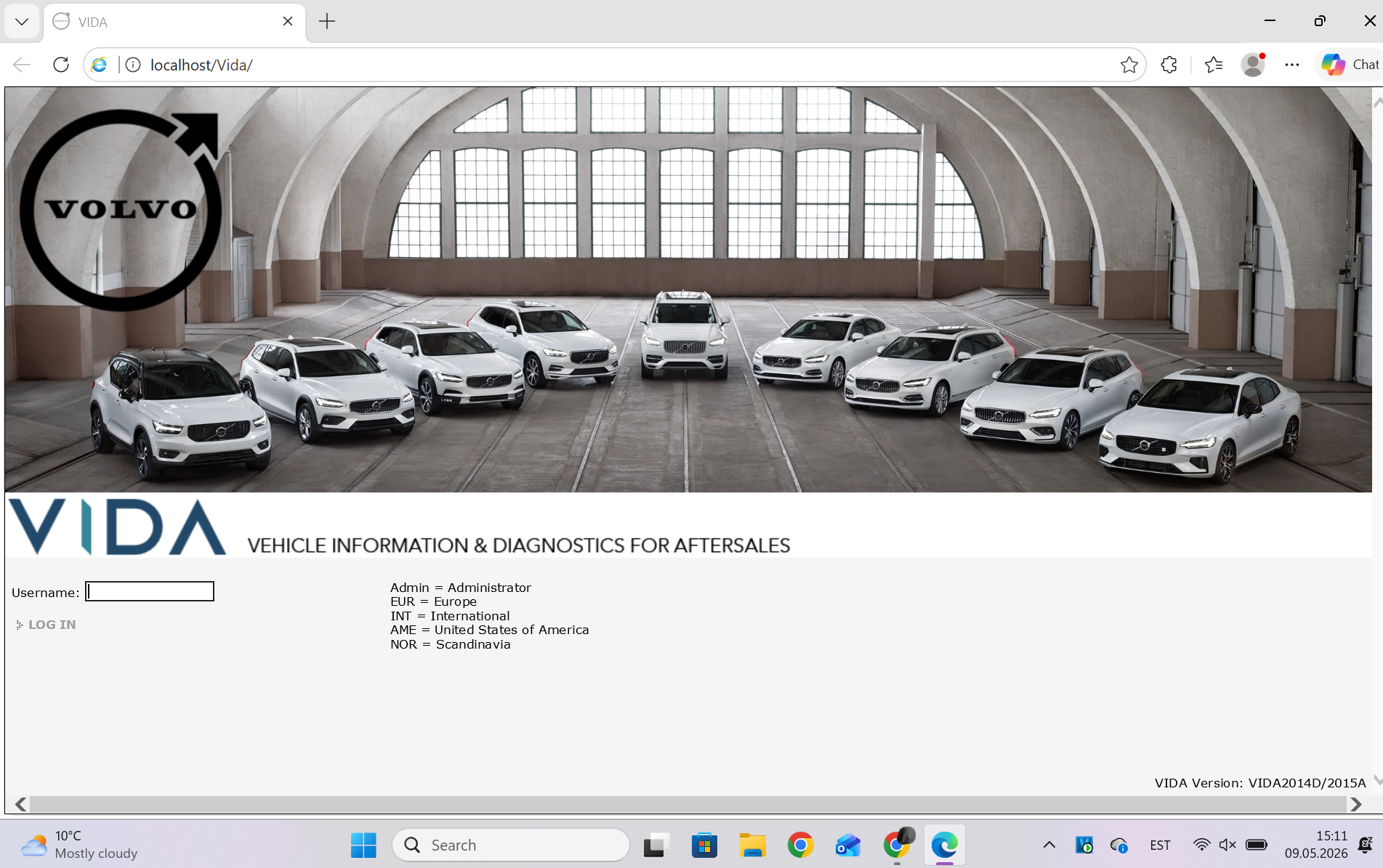
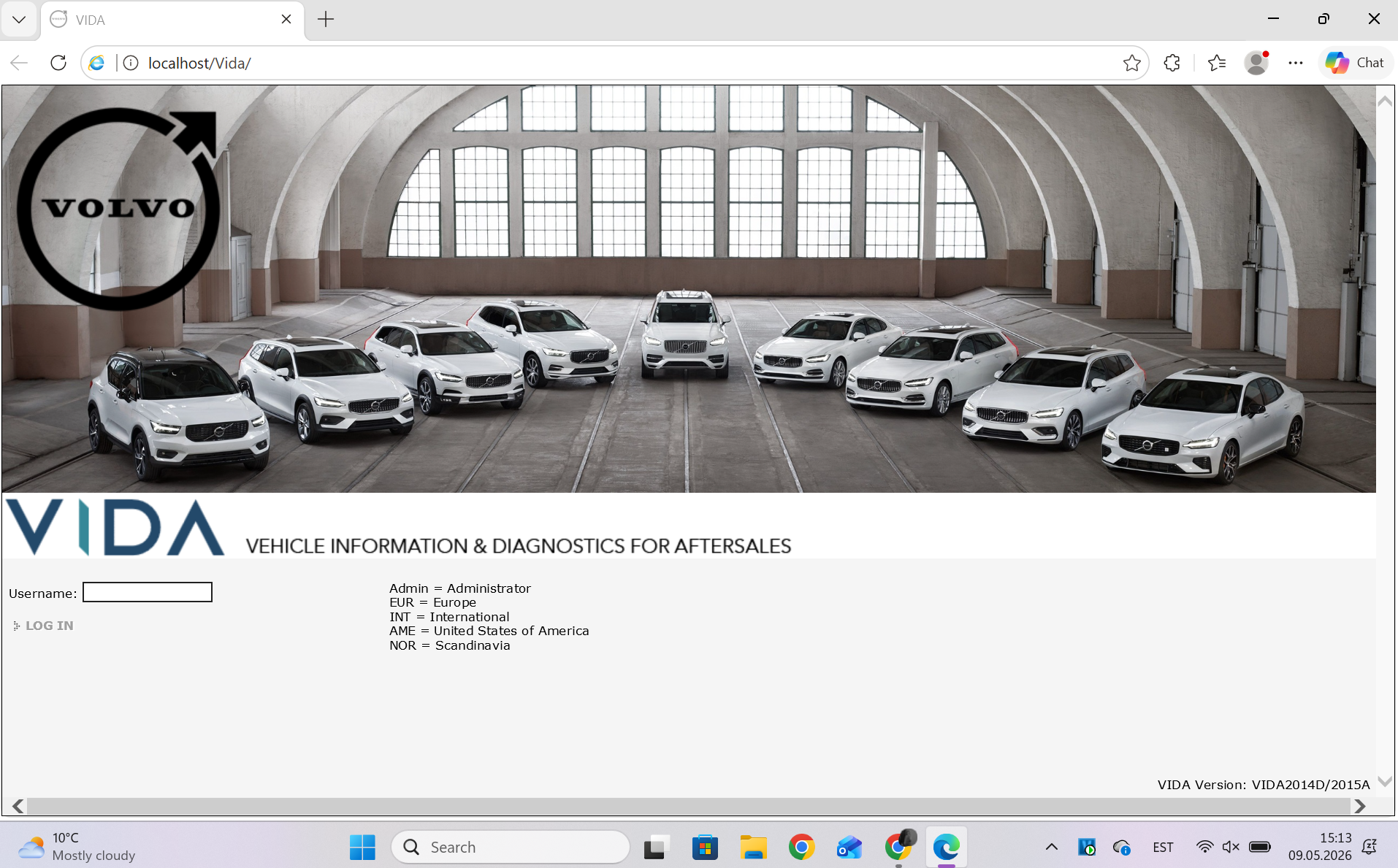
VIDA 2014D/2015A Windows 11@T5-T6-Schnappi Yes, it doesn’t matter, if I go into VIDA through IE, Edge with mode or through VIDA monitor. Got screenshots from all 3.
IE: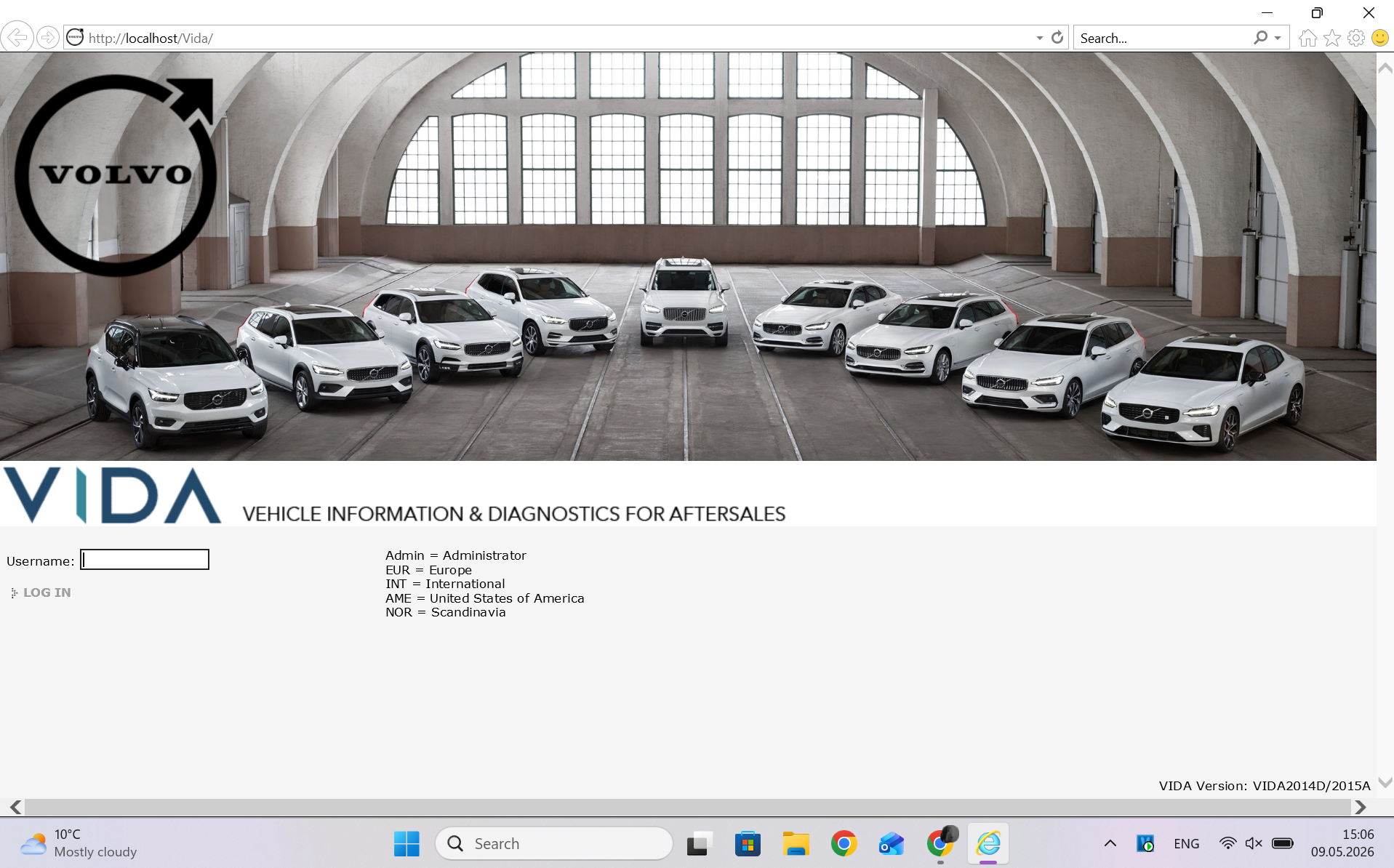
Edge with mode:
VIDA monitor at the bottom on the panel:
-
VIDA 2014D/2015A Windows 11Hey.
I don't know what's wrong, but my VIDA has completely stopped reading cars (not a single one, including the one I tested).
The situation is that after I checked whether VIDA was working and whether it was reading the car (a 2002 Volvo V70 P2), I turned off the laptop and simply put it on charge. The next day, my husband went to try diagnosing another car (a 2006 XC70 P2), and VIDA returned a reading error and automatically reloaded the page, after which the option to select a communication tool disappeared completely. We tried installing the program on the laptop, which had never had VIDA before. We installed VIDA and copied the necessary Scanmatic drivers from the old laptop (they're from 2011, so it should be CM2), but VIDA still refuses to read any of the above-mentioned cars. I also reinstalled the program on my laptop, but it didn't help.
Any ideas on how to solve this problem? -
VIDA 2014D/2015A Windows 11@T5-T6-Schnappi On win7 DiCE worked with CM2, but I dont know how that was installed on laptop or cofigurated. On win7 DiCE worked with v70 P2 2001-2008. Tried to scan that one
-
VIDA 2014D/2015A Windows 11The program installation issue was resolved. It turns out I needed to reboot the laptop before installing the SQL servers.
But apparently the obstacles aren't over for me. I have a Chinese clone of DiCE that I got with the previous VIDA program, which crashed on Windows 7. And for some reason, I can't run diagnostics on the car. The laptop sees DiCE, but I can't read the car. I installed Scanmatic (it was on the old laptop, and as far as I understand, DiCE used to see cars with it), but it didn't yield any significant results. Now DiCE is simply visible as a Scanmatic device, not "unknown," and in VIDA, I can now select CM2 USB/CM3 USB devices.
Can you tell me how to properly connect and configure the Chinese DiCE so I can start seeing cars? I'm just a girl in the world -
VIDA 2014D/2015A Windows 11@T5-T6-Schnappi It is a clean install on my personal laptop(work and one game). I have Windows 11 25H2
-
VIDA 2014D/2015A Windows 11Hi guys!
Maybe someone can help me somehow with the installation. Idk what I am doing wrong.
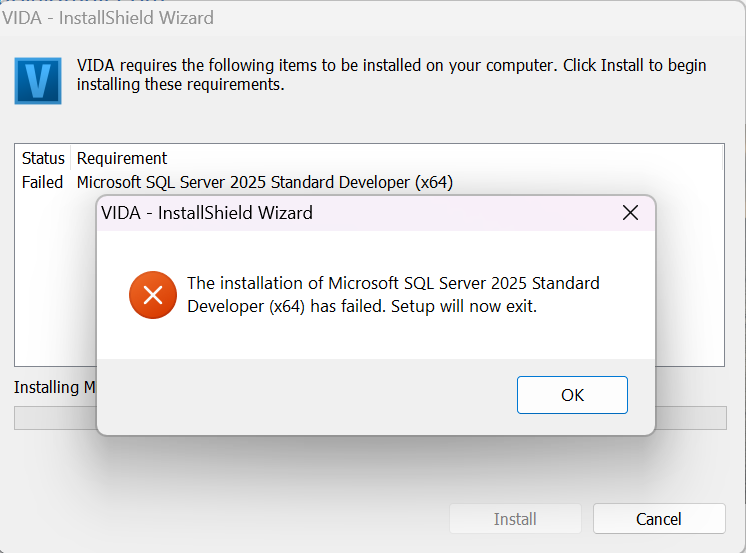
So basically my installation process stops with Microsoft SQL server 2025. I changed the .net framework 3.5 in optional features, but it didnt help. Then I decided to install the SQL server 2025 from the https://www.microsoft.com/en-us/sql-server/sql-server-downloads. Got the program work, but the VIDA installation still stops in the same place.
Thought maybe I can install everything from ISSetupPrerequisties. So i did that, even the SQL seems to work from there, but in main VIDA setup.exe it still stays as a requirment and when i start installation i got message
Can someone tell me what i need to do to get VIDA work with me?
Thank you -
VIDA 2014D/2015A Windows 11@ZaanTerror Can you please send me the link to ipshenichnaya6@gmail.com
Thank you very much!
